Turn more customers into Google reviews

Put Scan Cards where customers finish their visit. One quick tap or scan helps you collect 6x more Google reviews and attract 3x more customers.
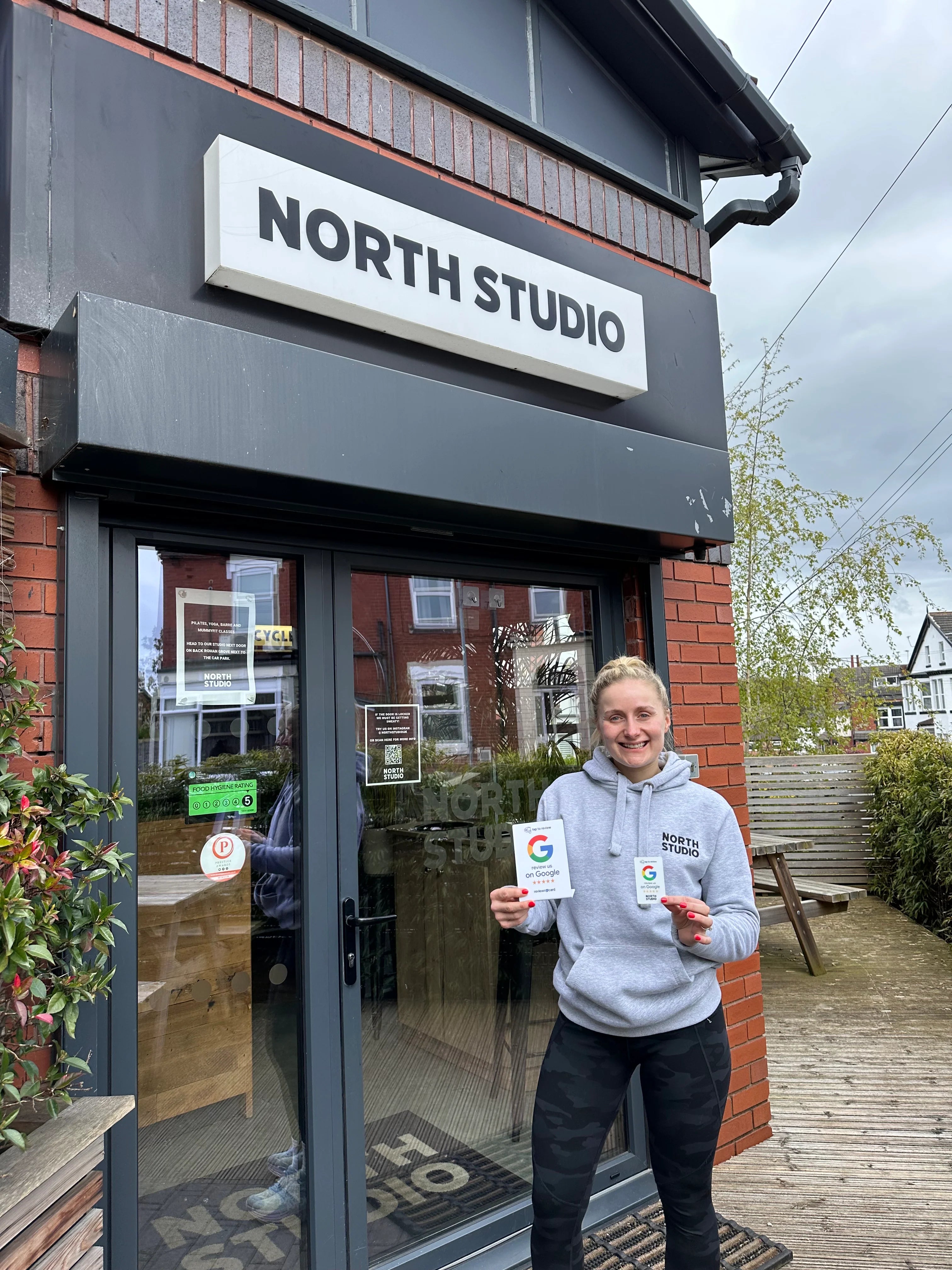
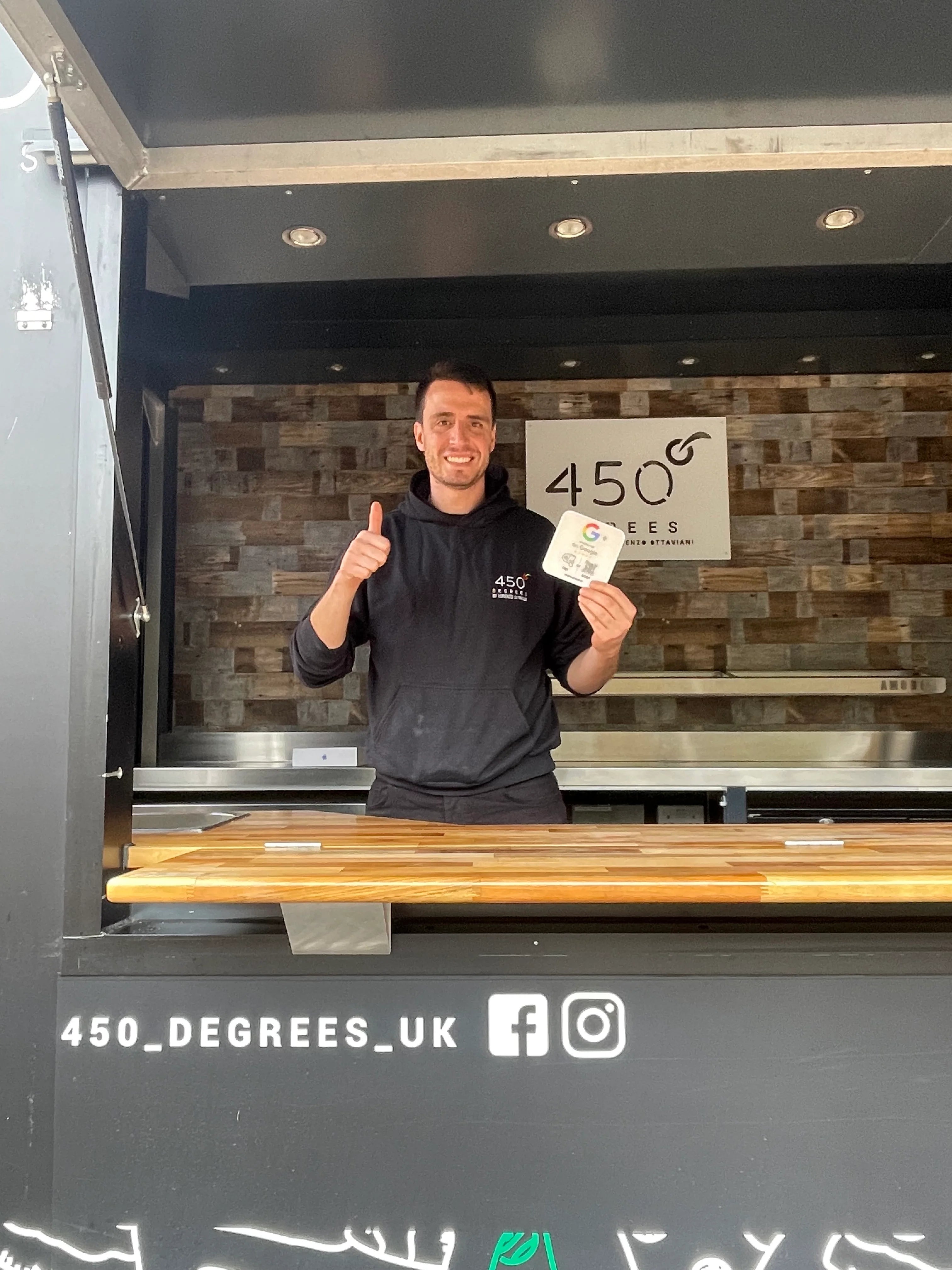
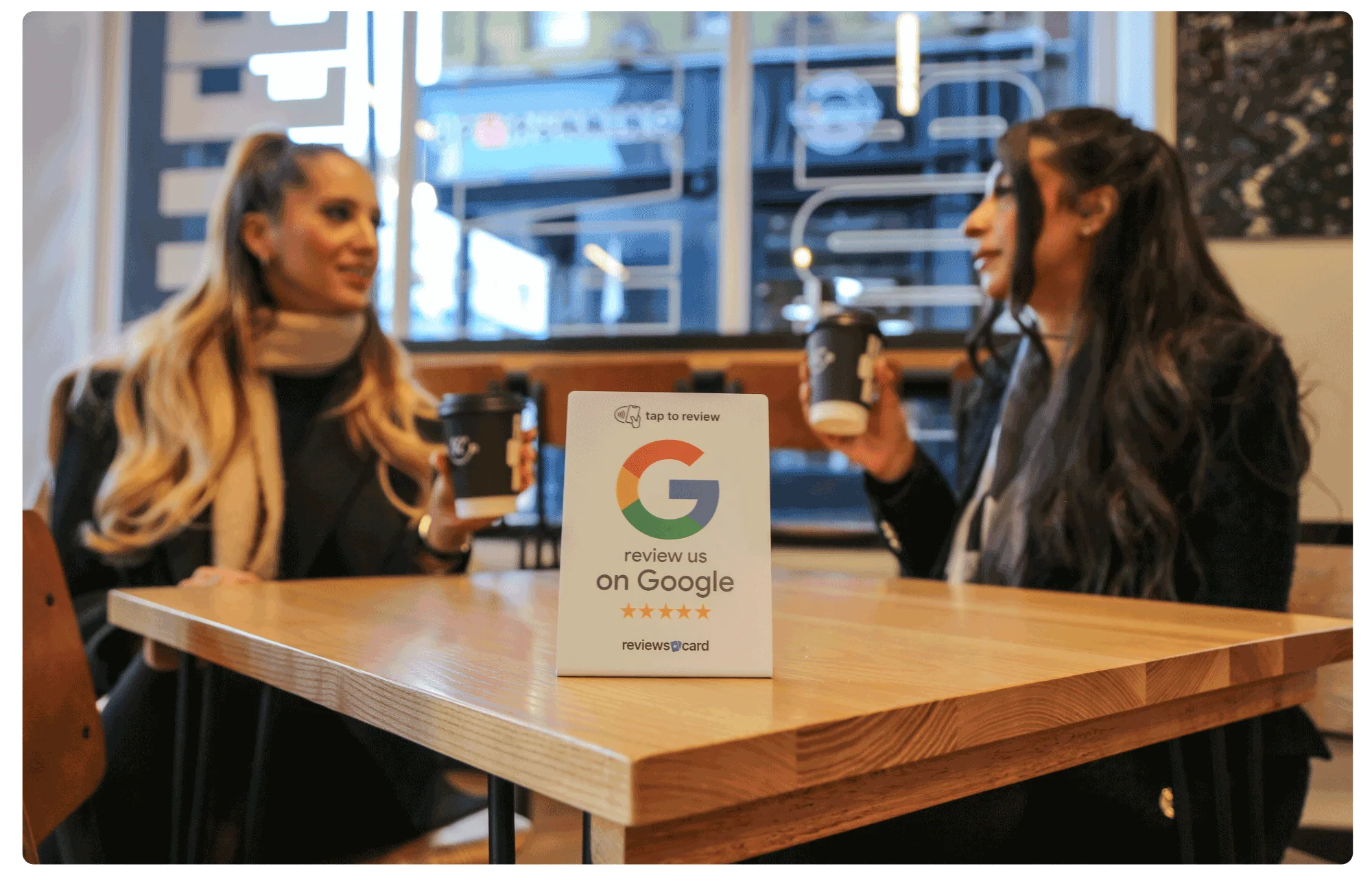
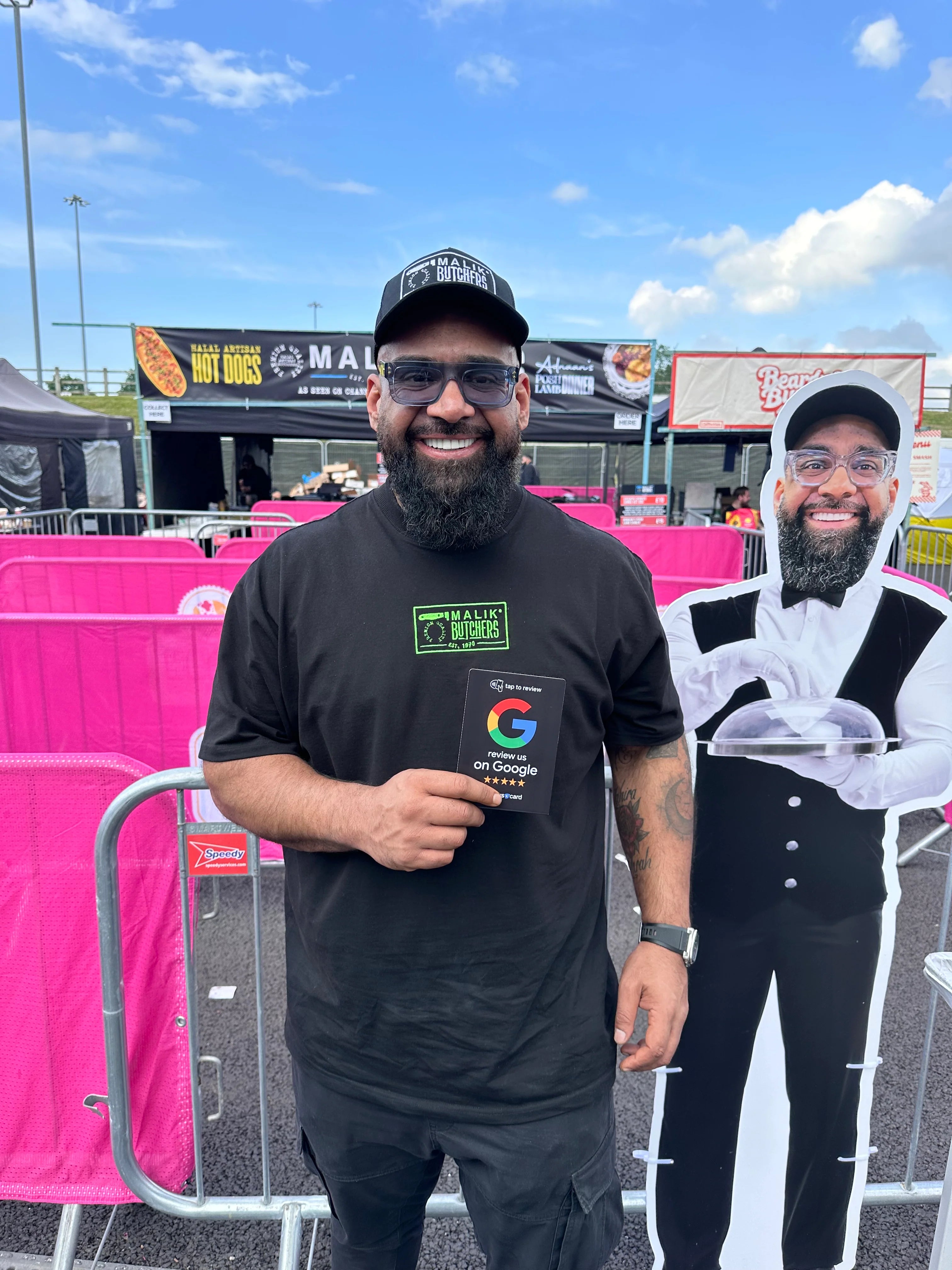
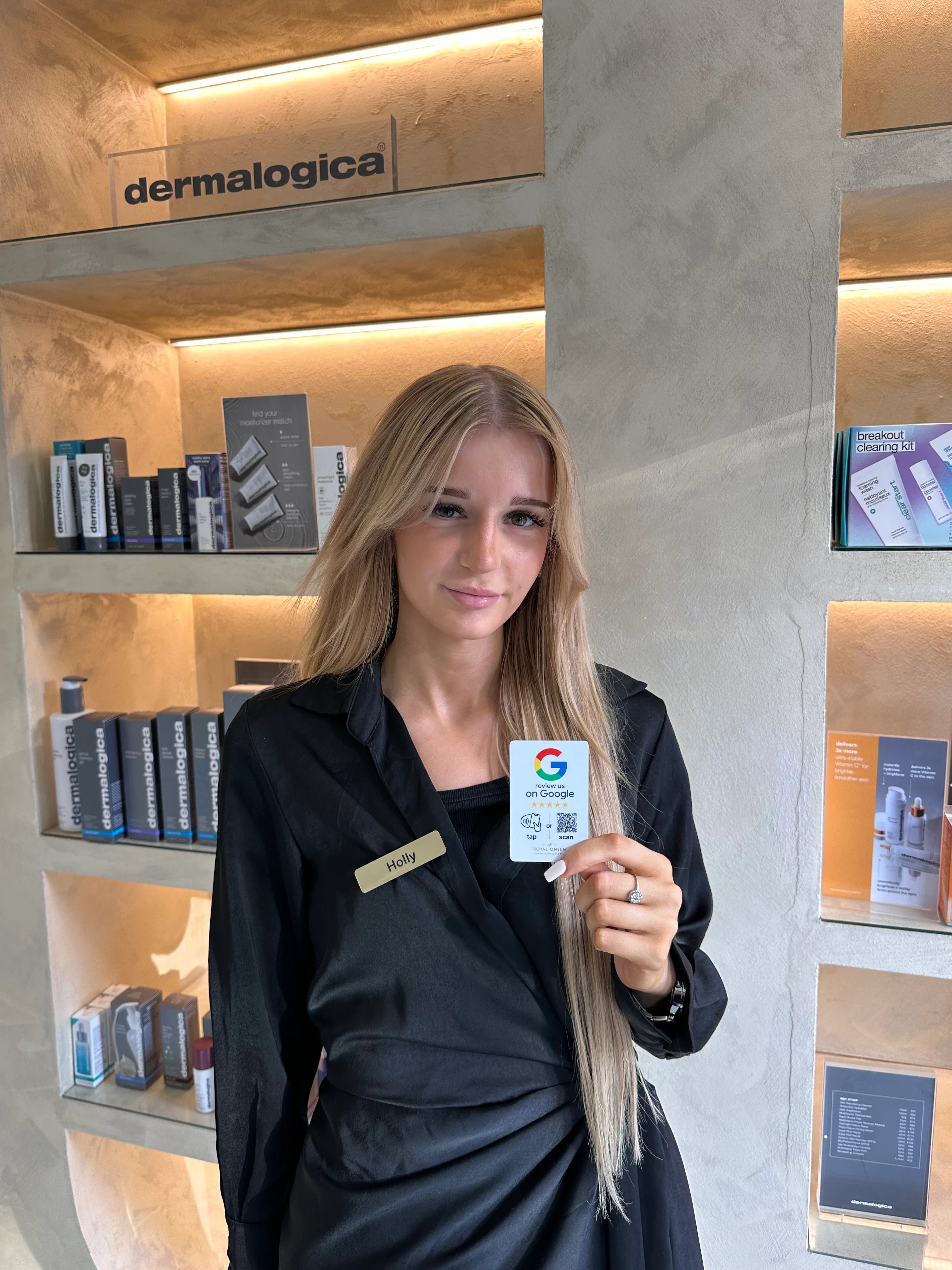
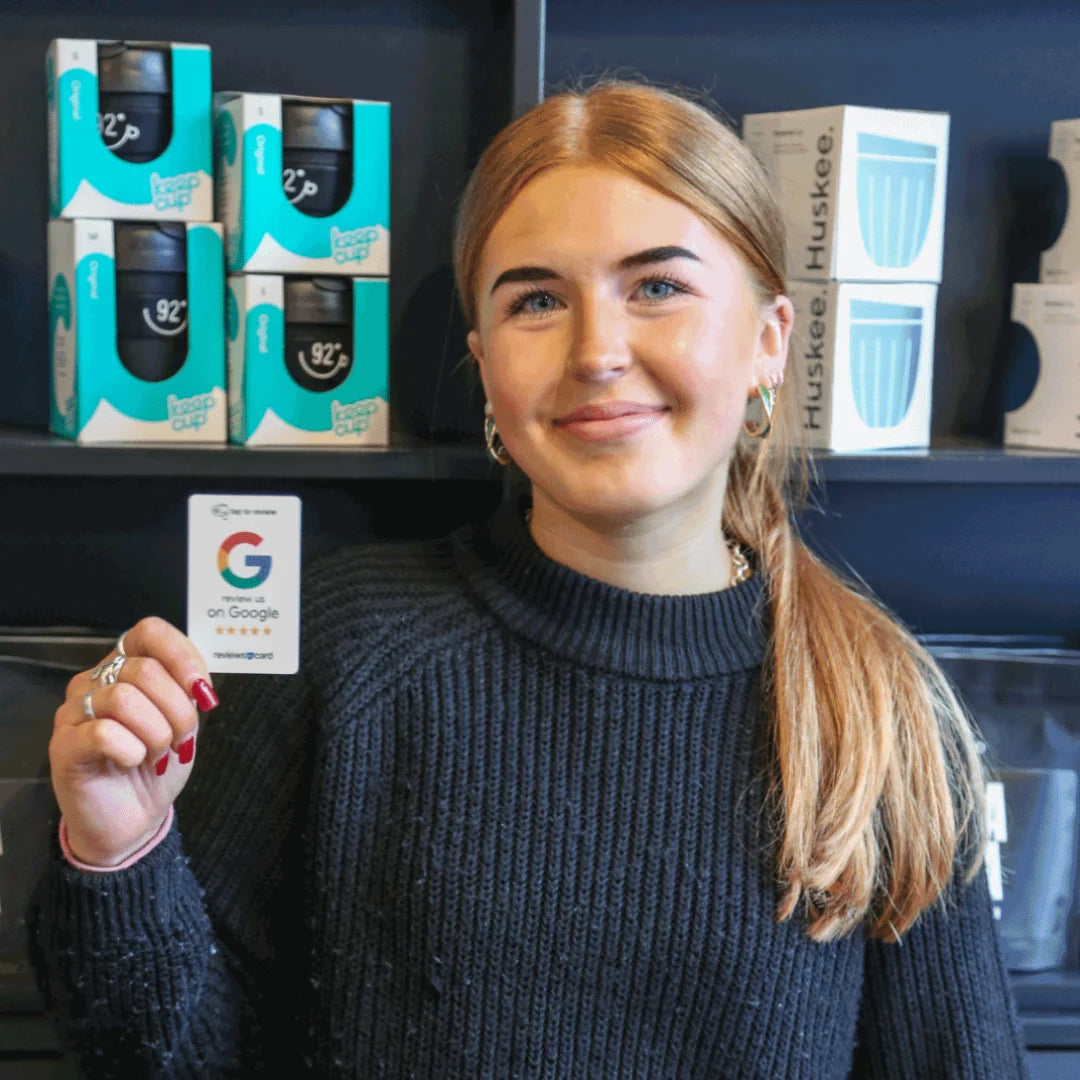
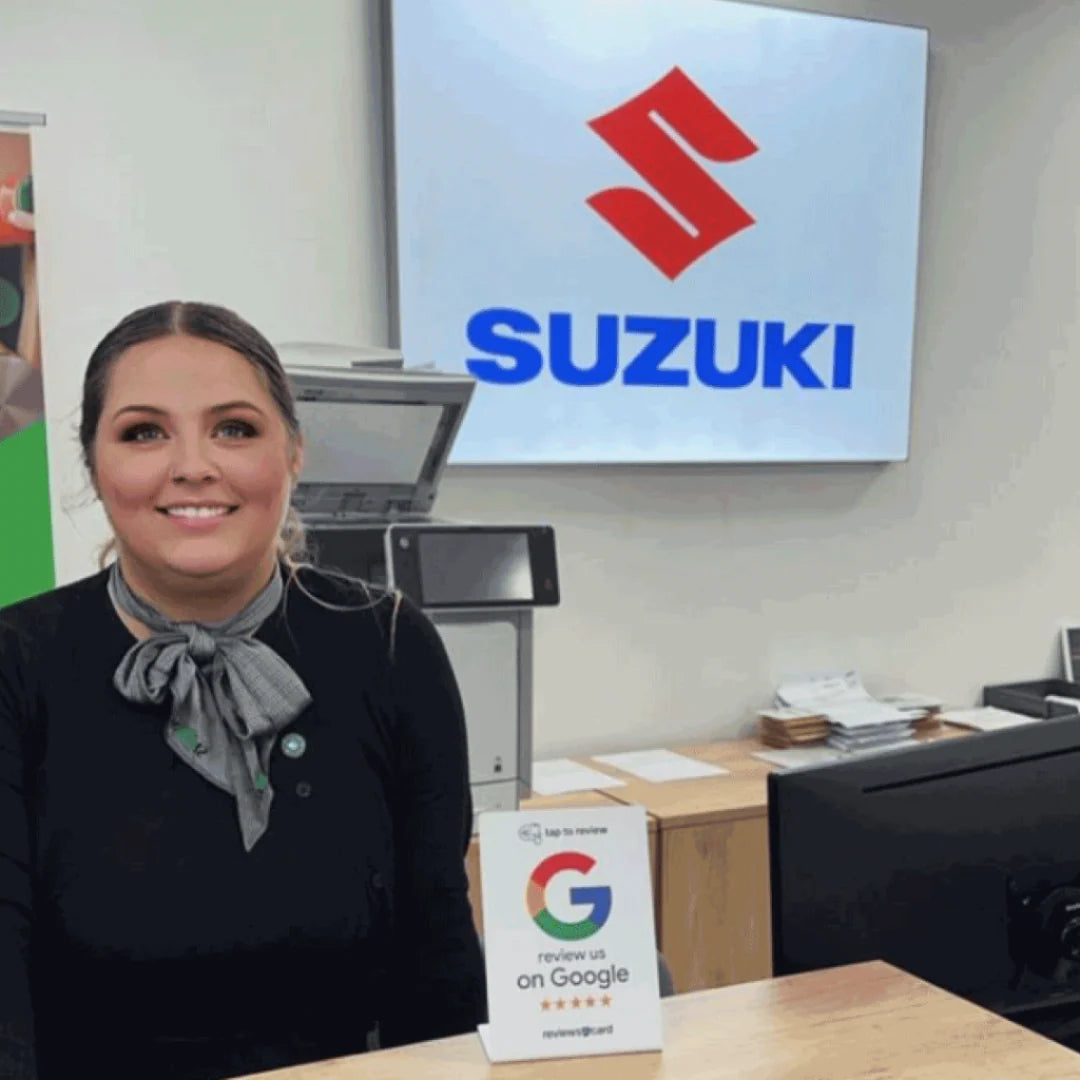
Customer holding a Scan Cards Google review cardScan Card displayed inside a customer-facing businessBusiness customer using a Scan CardGoogle review Scan Card at a business
Scan Card in use at a customer-facing businessCustomer holding a Scan CardScan Card displayed for customersScan Cards ready for use
A business displaying a Scan Card for customersScan Card in use with a customerBusiness owner showing a Scan CardCustomer-facing business using Scan Cards

Businesses we work with

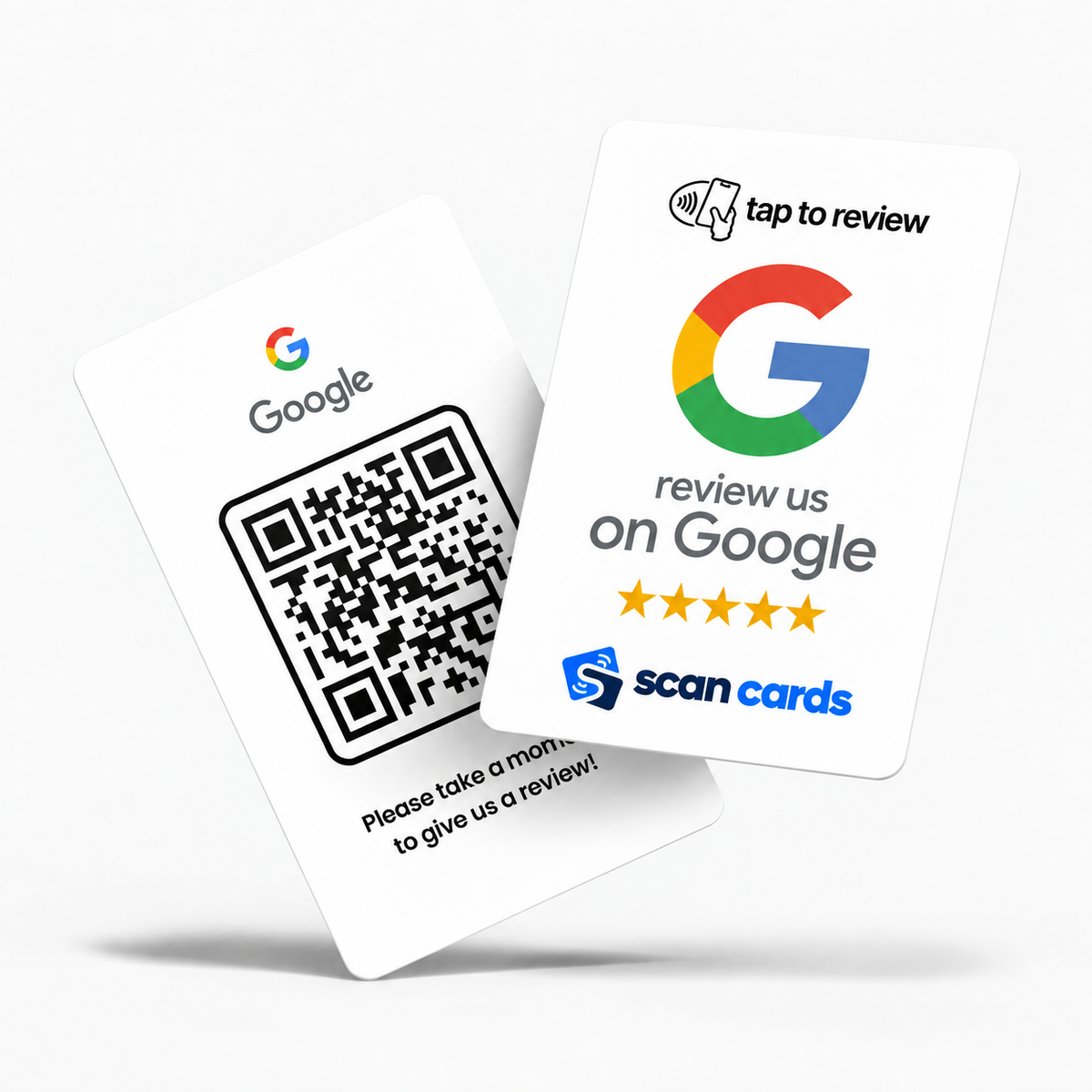
Scan Cards Google review card

Turn happy customers into your next growth story

Put your Google review page in front of customers while their experience is still fresh. A quick tap or scan helps you collect more reviews and gives new customers more reasons to choose you.

  • Get 6x more Google reviews
  • Attract 3x more customers
  • Customers can leave a review in under 10 seconds

From $29.99

Start getting more reviews

Scan Cards in action

See Scan Cards at the counter, in hand and in everyday customer-facing businesses.

Ready in three steps

No business details are needed when you order. You connect the card to your Google review page after it arrives.

Scan Cards ready to set up
1

Receive your card

Your Scan Card arrives with the instructions you need to get started.

Business owner holding a Scan Card ready to link
2

Link your review page

Follow the included guide to connect it to your chosen Google review page.

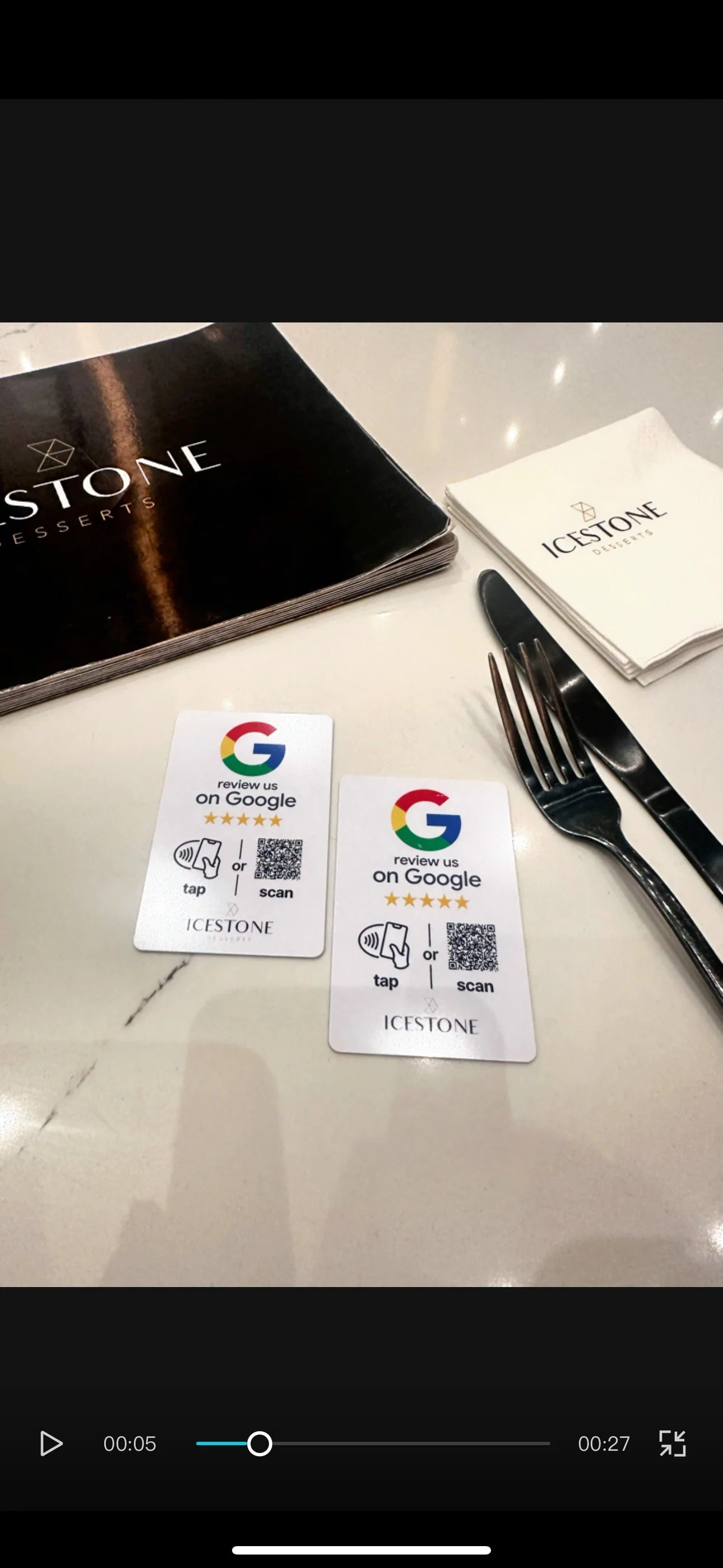
Scan Card placed on a cafe table for customers
3

Let customers tap or scan

Place it where customers meet you so they can open your review page in seconds.

Frequently asked questions

How do I set up my Scan Card?
After delivery, follow the included instructions to link the card to your Google review page. You do not need to send us your business details when ordering.
What happens when a customer taps or scans?
Their phone opens the Google review page linked to your card. NFC provides the tap option, while the printed QR code provides a camera-based alternative.
Does the customer need a Scan Cards app?
No Scan Cards app is needed. Google may ask the customer to sign in to a Google Account before submitting a review.
Will it work with iPhone and Android?
It works with most modern NFC-enabled smartphones. If NFC is unavailable, the customer can scan the QR code instead.
Which pack will help me get the most reviews?
Start with 1 card for your busiest customer touchpoint. Use 2 to reach customers in two key areas. Choose 5 to maximise review opportunities across several counters, locations or team members.

Turn more happy customers into Google reviews

Place Scan Cards at your busiest customer touchpoints and make it faster for more people to share their experience.

Start growing your reviews